captkuso's language overlay
A downloadable tool for Windows
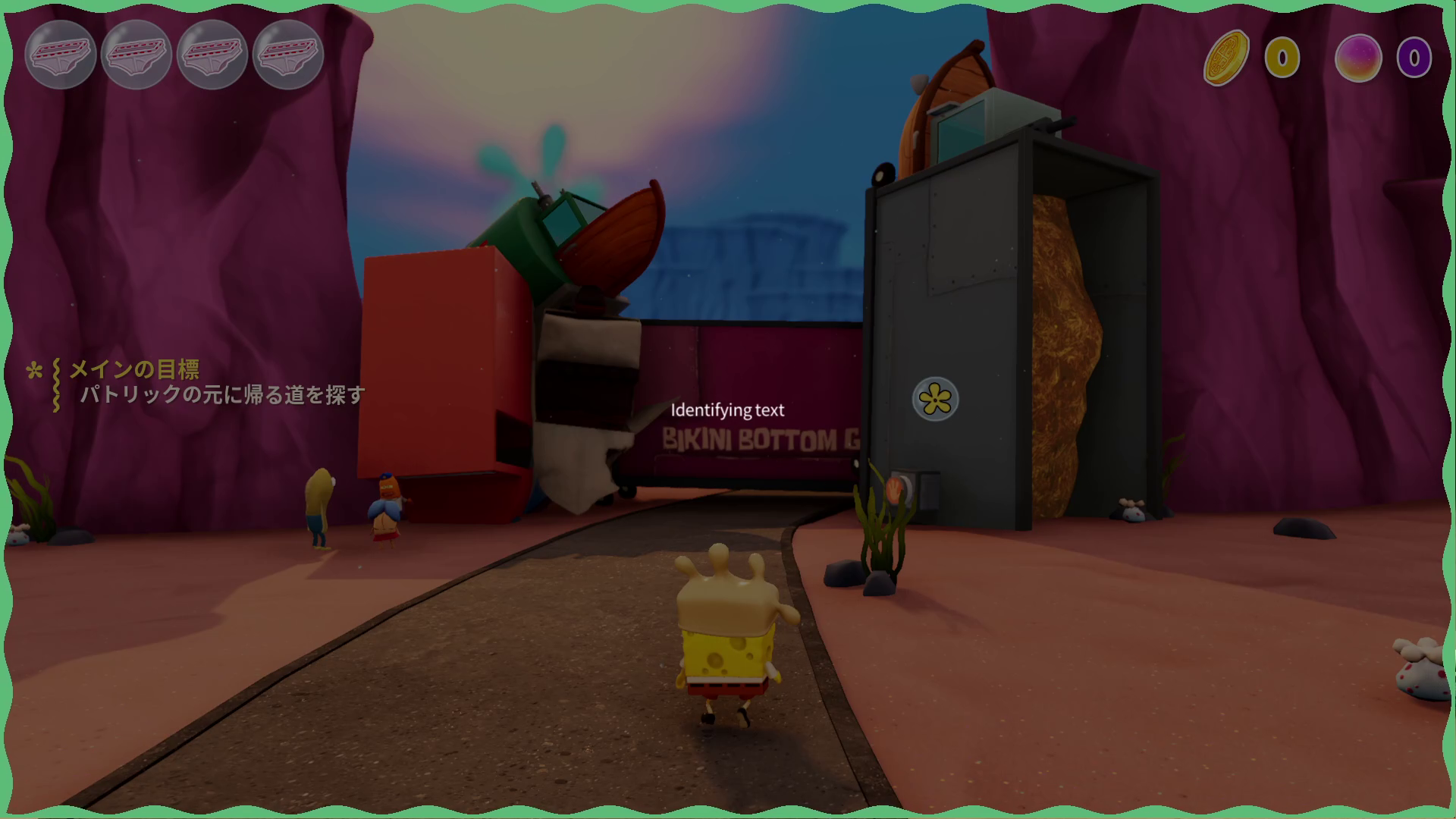
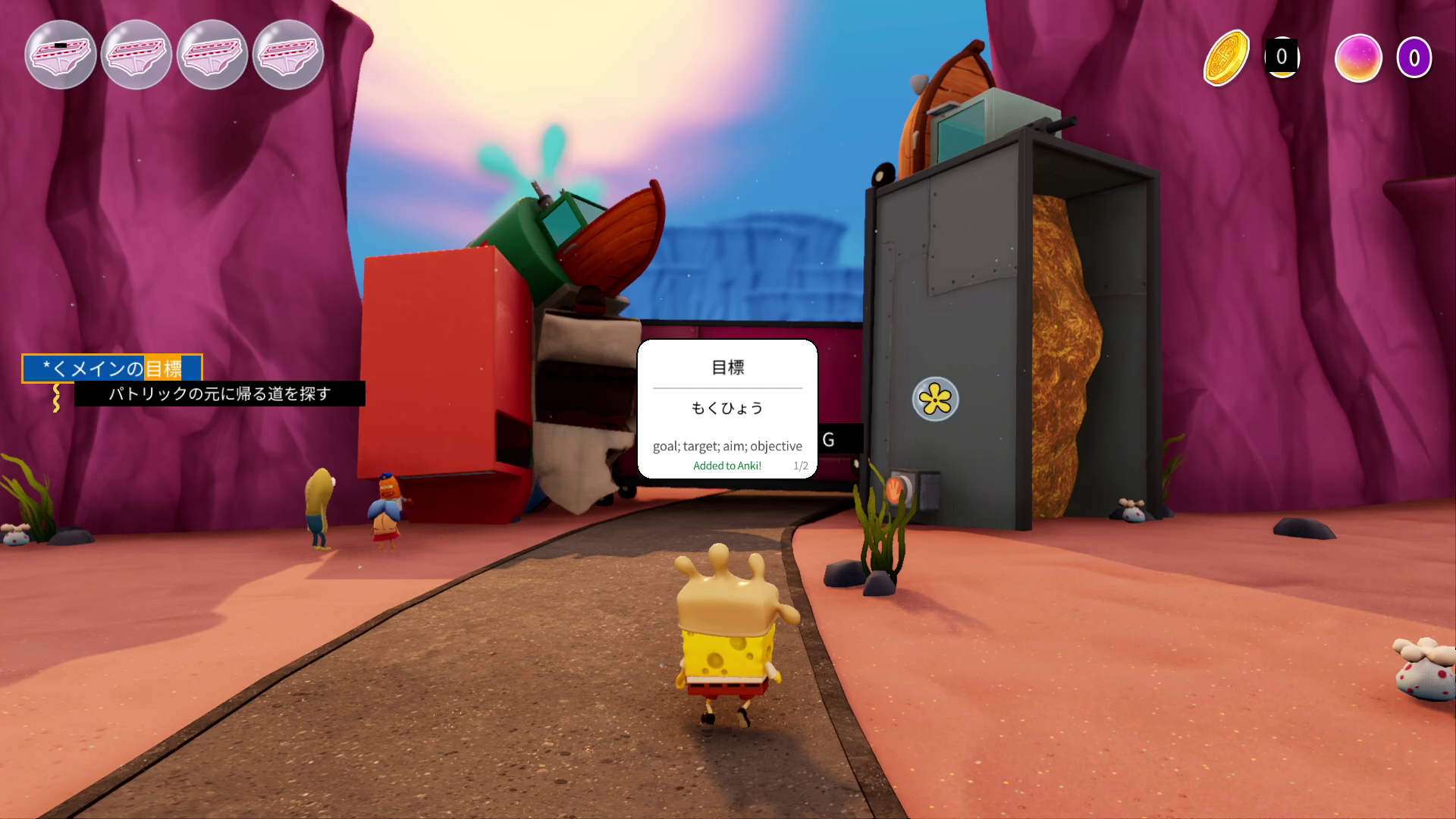
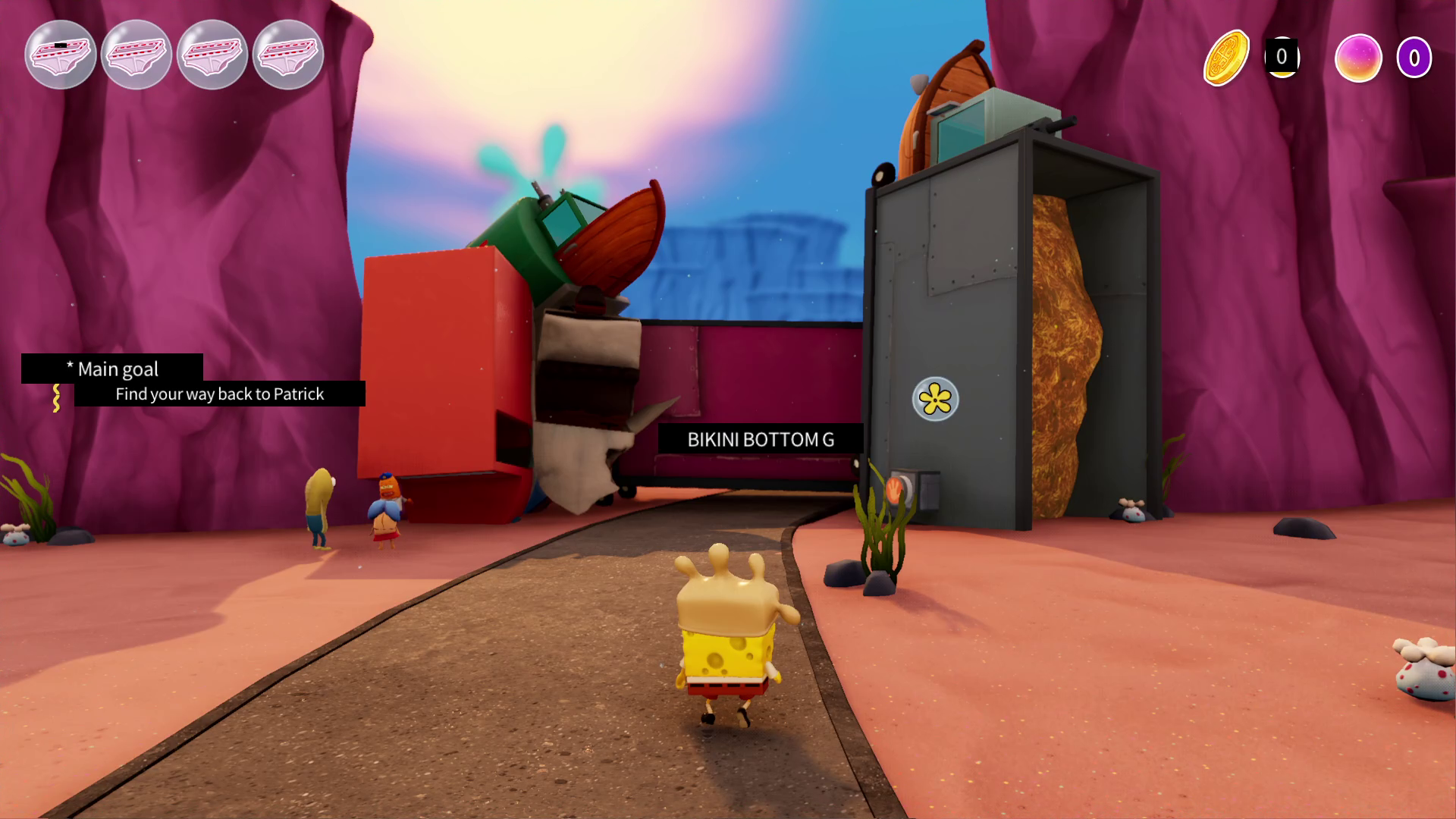
captkuso's language overlay is a tool that uses optical character recognition (OCR) to detect Japanese text, allowing you to find readings and definitions, which can then be added directly to an Anki deck via Anki Connect, as well as showing full screen translation from local or online services by API.
This allows words to be mined when doing language immersion while the text is not directly selectable; perfect for games, manga, and other media with embedded text.
This is mostly for my personal use, so is designed to be controlled with a gamepad or keyboard controls as is my preference!
I hope to gradually update it as I use it, but can't guarantee any features or functionality.
If using the translation feature, please replace the usual text entry section for your API with "%text".
Example entries can be found in "resources/translation apis.txt"
This tool makes use of the following projects:
Current issues:
- There is sometimes a crash if interacting with other windows while the program initializes. If having problems the best thing to do is just wait until all the red loading text disappears (a few seconds) before doing anything.
- Pixel text recognition could be better.
- Keys in the settings panel listed as "unknown" (they will work fine still).
- Getting it to work over exclusive fullscreen applications is difficult. This is a Windows issue, and the best way around this is to run games in borderless windowed fullscreen.
- Sometimes a game in the background will continue capturing input (especially on gamepad), adjust your key bindings for this, or if possible set the application you're using to pause while not in focus.
Download
Click download now to get access to the following files:
Leave a comment
Log in with itch.io to leave a comment.